Connect. Coordinate. Respond.
Experience the Team Awareness Kit (TAK) with a free, turnkey hosted server designed specifically for Search & Rescue, CERT teams, emergency management, and volunteer first responders.
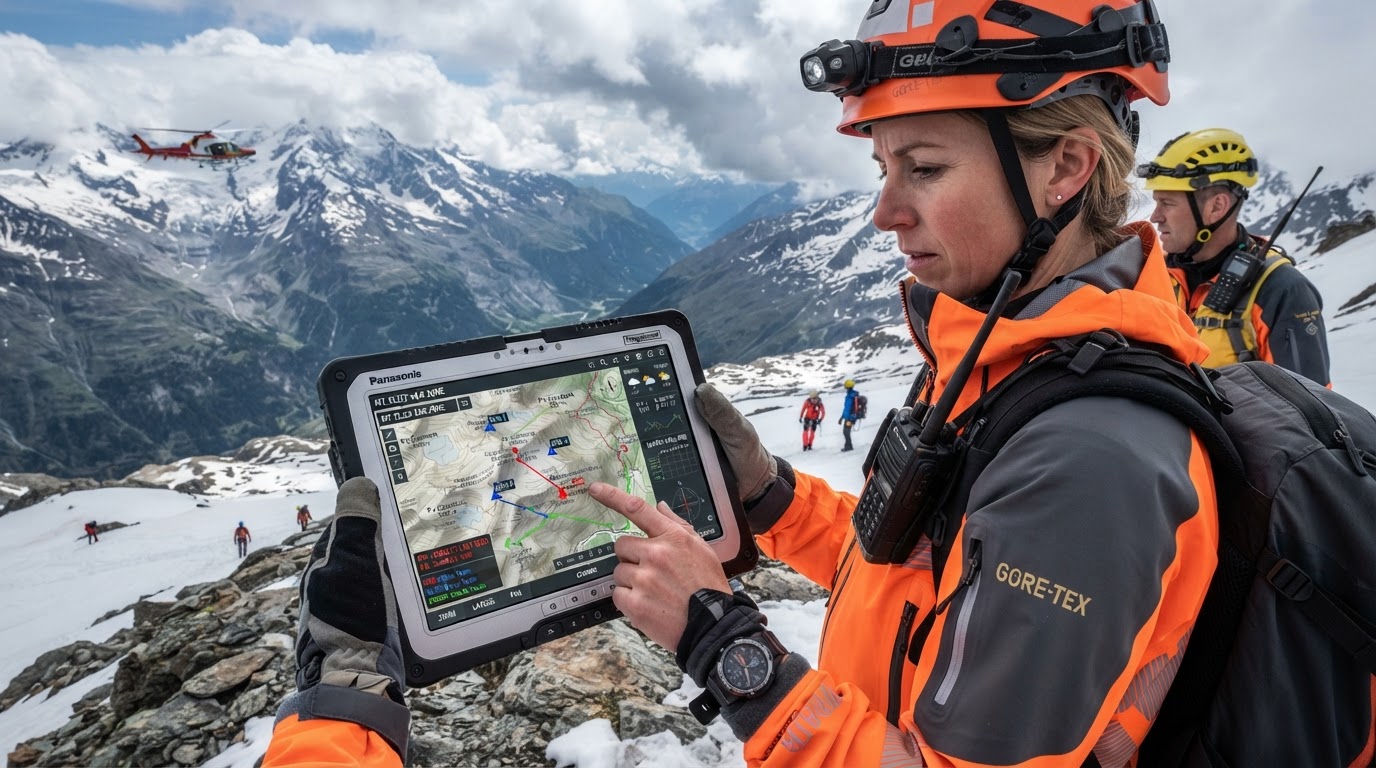
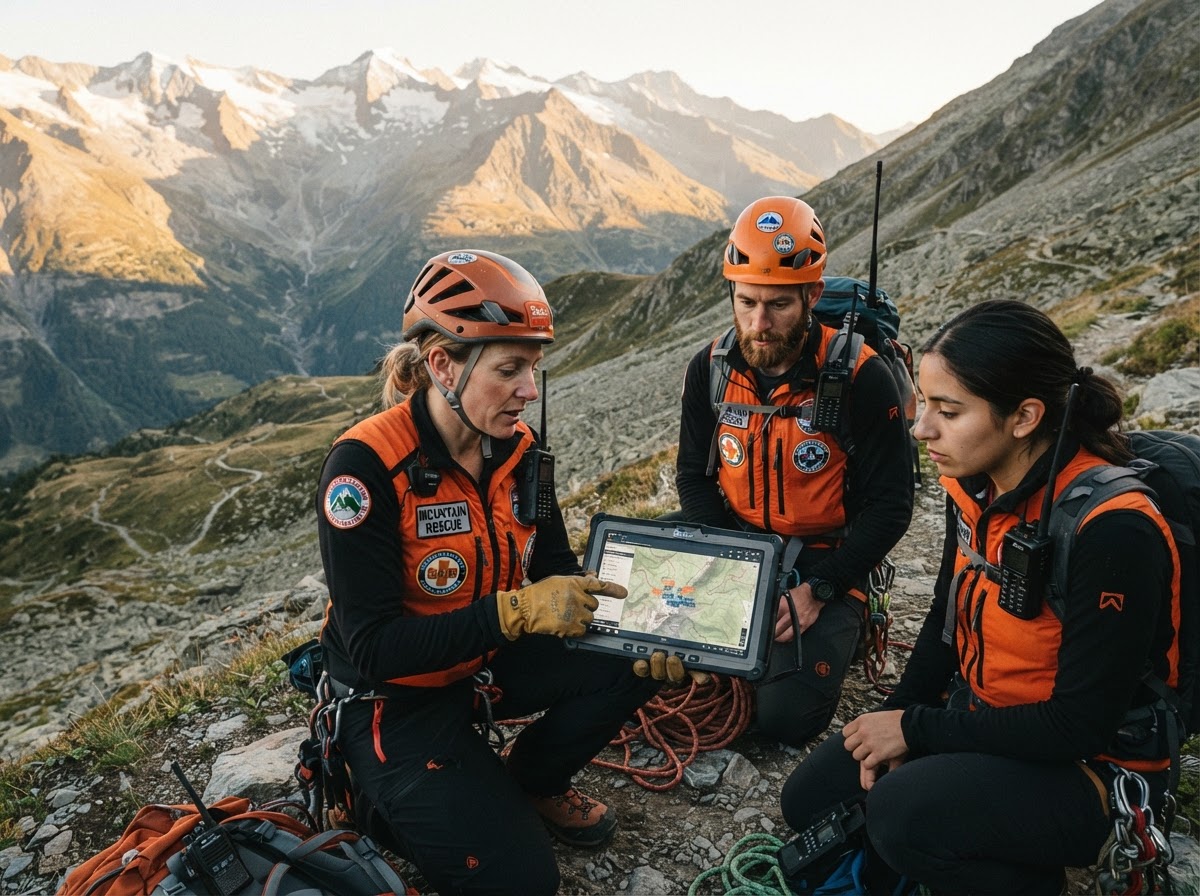
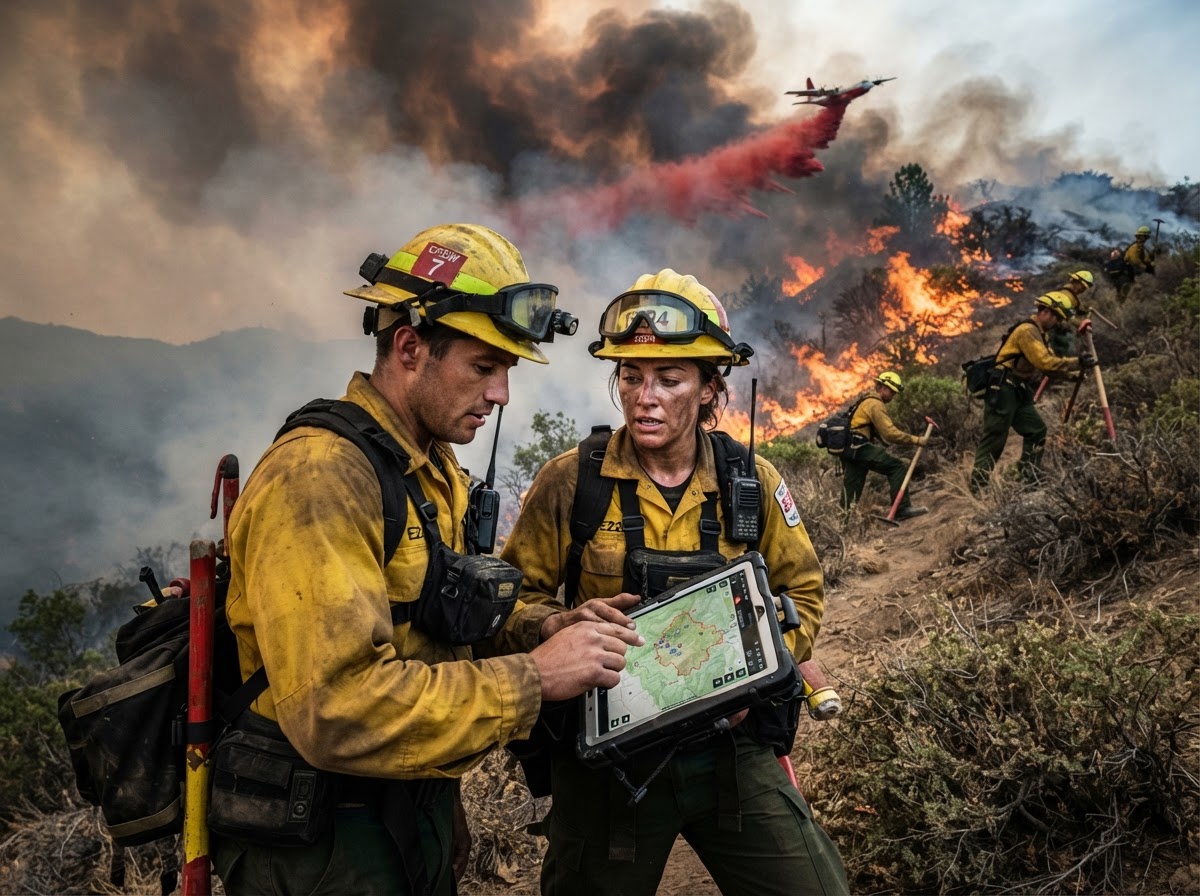
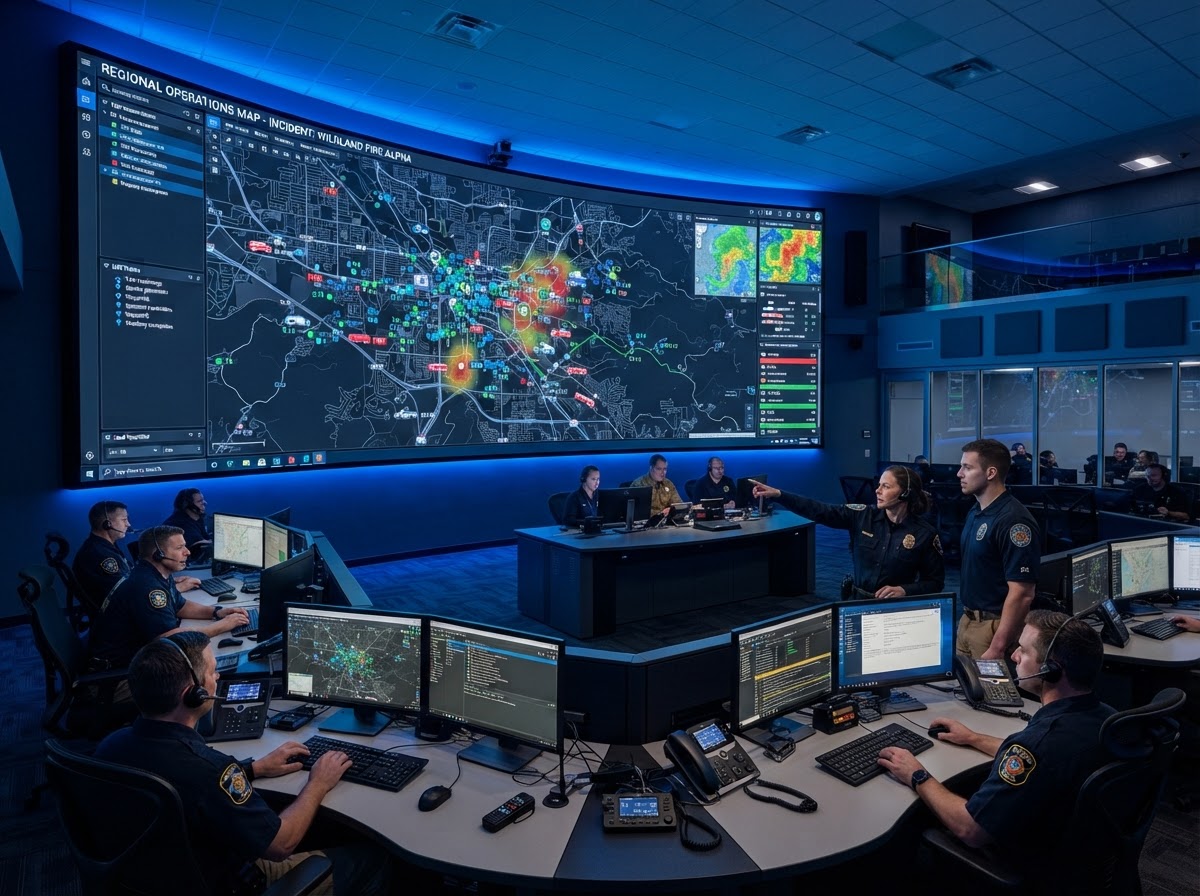
Our Origin & Mission
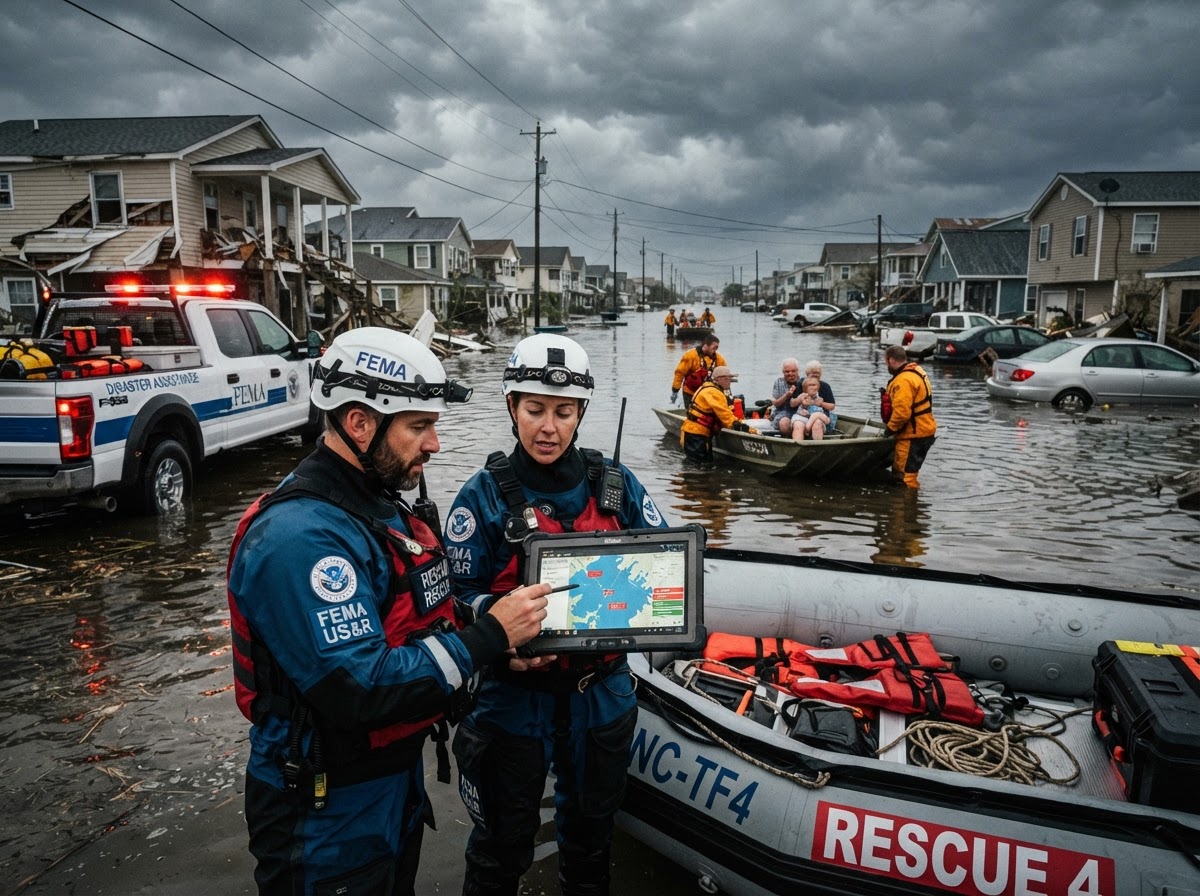
Why We Built TryTAK.org
In two years of learning and using a TAK server, we found what almost everyone else does... it is not simple to deploy and configure a TAK Server correctly to communicate and coordinate in real field operations.
The Challenge
Self-hosting TAK Server involves complex SSL certificates, firewall routing, XML mission packages, and server administration that can derail non-profit SAR and CERT teams.
Community Support
We were stuck until generous TAK community members helped us get operational. Testing Infra-TAK opened our eyes: this technology was too powerful not to share.
TryTAK Solution
We launched TryTAK.org as a completely free, pre-configured community TAK Server so your group can evaluate, train, and save lives without technical roadblocks.
Who Is TryTAK For?
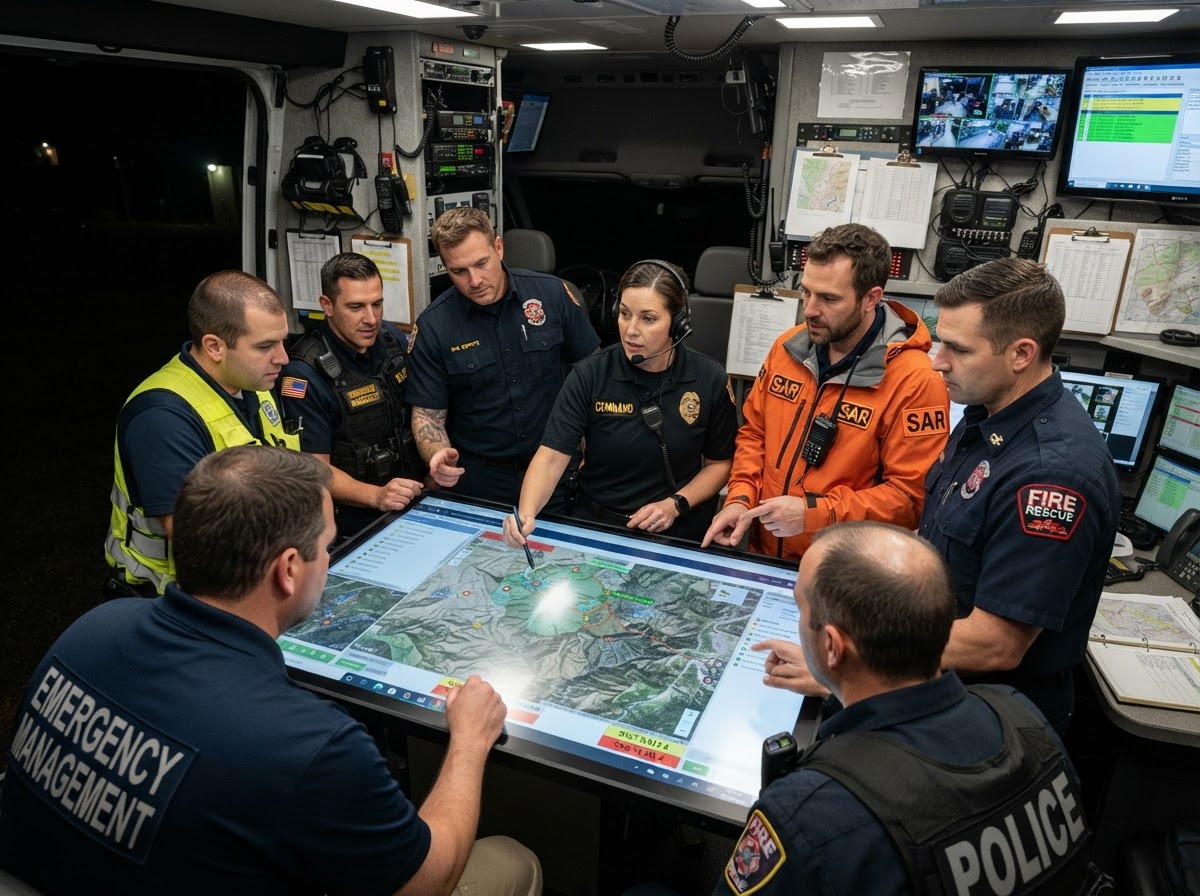
TryTAK is designed for volunteer groups, non-profit emergency organizations, and public safety personnel who need real-time operational awareness without high software costs or server maintenance overhead.
Search & Rescue (SAR)
Track search grids, K9 units, drone feeds, and missing person reports live.
CERT Teams
Coordinate neighborhood damage assessments and team accountability.
ACS / ARES Amateur Radio
Combine tactical radio comms with digital location points and mesh data.
Emergency Management
Disaster response coordination, resource deployment, and event security operations.
The Workflow: Gather your team, create your agency account, train on the platform, and experience single-pane-of-glass situational awareness. When ready, keep using TryTAK or migrate smoothly to a dedicated SaaS/agency server!
Full-Featured TAK Environment
Everything You Need To Coordinate. Except Training.
TryTAK is a shared TAK Server with isolated organization channels, custom user permissions, and support for all major TAK apps.
Real-Time Situational Awareness
See active team members, vehicles, drones, and points of interest updated live on offline or online satellite maps.
Team & Group Management
Isolate data with private organization groups and channel controls. People outside your agency won't see your data.
Secure Tactical Communications
Send encrypted text messages, images, geo-referenced markers, and emergency beacons across mobile devices.
Maps & Mission Planning
Draw search sectors, measure distances, import custom KML/KMZ geospatial layers, and distribute mission packages.
Training & Sandbox Environment
Train new operators without risk. Evaluate TAK workflows before investing in dedicated server hardware.
Community Support
Get advice and quick setup guidance from experienced TAK admins in the volunteer responder ecosystem.
Public Safety Agencies Using TAK
Originally created by the Department of Defense, TAK has been widely adopted by federal, state, and local civilian public safety and emergency response agencies across the nation.
COTAK (Colorado Team Awareness Kit)
Managed by the Colorado Division of Fire Prevention & Control (DFPC) Center of Excellence. COTAK serves 100+ public safety agencies—including Golden Fire, Mesa County Sheriff, Monument Fire District, and local Search & Rescue units.
FBI (Federal Bureau of Investigation)
The FBI provides TAK Server infrastructure and technical support for law enforcement partners, giving public safety agencies rapid access to encrypted location sharing and tactical operational maps during joint missions and national special security events.
DHS Science & Technology / FEMA
DHS S&T transitioned TAK to civilian responders. TAK has supported the rescue of over 2,000 survivors during 7 major hurricanes (Harvey, Irma, Maria, Florence, Lane, Michael, Dorian) and secures major events like Super Bowl LIV and UN Assemblies.
U.S. Customs & Border Protection (CBP)
CBP Air & Marine Operations and Border Patrol agents deploy TAK to maintain real-time situational awareness across vast border sectors, pairing mobile devices with offline mesh radios and vessel surveillance feeds.
Texas Dept of Public Safety (TxDPS)
Formally integrated into the Texas Homeland Security Strategic Plan (2026–2030), TxDPS utilizes TAK to track state troopers, emergency management personnel, and tactical first responders in field operations and wildland fire response.
State of Tennessee Emergency Services
Tennessee emergency management and public safety personnel host dedicated ATAK fundamentals training and deploy TAK across county EOCs to coordinate regional emergency response, severe weather response, and search operations.
Get Started with TryTAK in 3 Steps
Getting your organization onto TAK has never been easier. We handle the server infrastructure, certificates, and user management portal so you can focus on training.
Request Access
Submit your team details on the TryTAK Portal. Free for all SAR, CERT, and public safety teams.
Log In & Set Up Your Device
Once your access is approved, log into the TAK Portal and complete the "Setup My Device" section to install the ATAK (Android) or TAKAware (iOS) client — plus any required plugins for Android.
Scan QR Code & Connect
Scan your organization's quick-connect package to immediately view your team on the map!
You'll be redirected to the TAK Portal — takes about 60 seconds.
Help Keep TryTAK.org Free
TryTAK is provided as a free community benefit by the HelpNow Project. Server bandwidth, cloud hosting, and SSL infrastructure are funded by voluntary contributions.
Have Questions? Reach Out
Whether you need help setting up your team, evaluating TAK for your SAR squad, or supporting the TryTAK infrastructure, we're here to assist.